What Is an AI Chatbot? How It Works and What It Can Do
7 min read · By Hamza Amir · Updated October 2, 2026
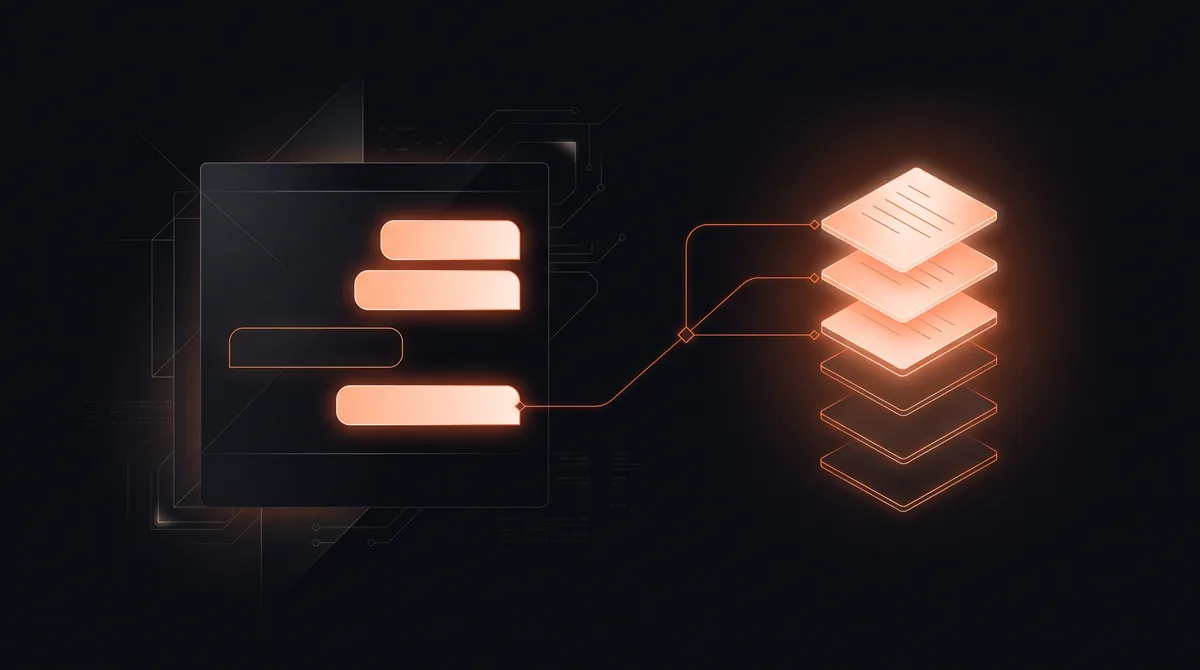
An AI chatbot is software that holds a conversation in plain language. It understands what a person is asking, even when they phrase it in their own words, and replies with a useful answer drawn from a language model and, for businesses, from their own content such as help articles, policies, product data, and order history. Unlike older chatbots, it does not need every question and answer scripted in advance.
For a business, the value is in the questions it takes off your team. A DTC software company we built an AI support assistant for saw 58 percent of tickets resolved without a human, with average resolution time falling from about 4 hours to about 3 minutes.
Key takeaways
- An AI chatbot understands natural language and answers in its own words, instead of following a fixed script.
- Business chatbots are grounded in your own content so their answers stay accurate.
- The best uses are high-volume, repetitive questions: support, sales FAQs, bookings, and order status.
- A good chatbot knows when to hand off to a person, with the conversation attached.
- You can get a website FAQ assistant built free.
What is an AI chatbot?
An AI chatbot is a conversational interface powered by artificial intelligence, usually a large language model. You type or speak a question, and it replies in natural language. It can follow a conversation across several messages, ask clarifying questions, and adjust its answer based on what you said earlier.
General chatbots, such as ChatGPT, Claude, and Gemini, answer from broad training. Business chatbots add a layer on top: they are connected to the company's own knowledge and systems, so they can answer questions like "where is my order" or "do you service my area" accurately.
How does an AI chatbot work?
Most business AI chatbots follow the same basic loop:
- Understand: the language model interprets the question and works out what the person actually wants.
- Retrieve: the chatbot searches your knowledge base, documents, or systems for the relevant facts. This step, often called retrieval augmented generation, is what keeps answers grounded in your information instead of guesses.
- Answer: the model writes a clear reply using the retrieved facts, in your brand's tone.
- Act or hand off: it can take a simple action, such as booking a time or capturing a lead, or pass the conversation to a person when the question is sensitive or it is not confident.
For a deeper look at the retrieval layer, see our AI and RAG systems service.
Want an automation like this built for you, free?
Pick one of 10 ready automations, like instant lead replies, review requests, or invoice follow-ups, or describe your own. We build it on your tools at no cost.
AI chatbot vs rule-based chatbot
Older chatbots worked like a phone menu. Someone wrote every question, keyword, and answer path in advance, and anything outside the script failed with "Sorry, I didn't understand that." AI chatbots understand intent, so they cope with typos, unusual phrasing, and follow-up questions.
| Rule-based chatbot | AI chatbot | |
|---|---|---|
| How it understands | Keywords and fixed buttons | Natural language and intent |
| Setup | Script every path by hand | Connect it to your content |
| Unexpected questions | Fails or loops | Answers or asks to clarify |
| Tone | Robotic, repetitive | Conversational, on brand |
| Best for | Very narrow, fixed flows | Open questions and support |
What businesses use AI chatbots for
The strongest use cases share one trait: lots of people asking similar questions that already have answers somewhere in your business.
- Customer support: answering policy, product, and order questions at any hour, and routing the rest. See conversational AI for customer service.
- Website FAQs and lead capture: answering pre-sale questions and collecting contact details from visitors who are ready to talk.
- Bookings: checking availability and scheduling appointments without a back-and-forth.
- Internal help: letting staff ask questions about policies, processes, and documentation.
What an AI chatbot cannot do (yet)
An AI chatbot is only as good as the information it can reach. If your help content is out of date, its answers will be too. It should not make decisions that carry real risk, such as approving refunds above a limit or giving legal or medical advice, without a person in the loop. And a chatbot that never hands off to a human frustrates customers fast. The best setups treat the bot as the first line, not the only line.
Does your business need an AI chatbot?
If your team answers the same handful of questions many times a week, or visitors leave your site without getting answers outside business hours, a chatbot will likely pay off. If you get a few inquiries a week, a good FAQ page may be enough for now.
To build one, see how to make an AI chatbot or our AI chatbot development services guide. Or claim a website FAQ assistant free: we train it on your site and documents and connect lead handoff to your inbox.
An AI chatbot is software that holds a natural language conversation, understands what a person is asking in their own words, and answers using a language model and, for businesses, the company's own content and systems.
Want this built on your systems?
Get a free automation teardown. We'll map the top 3 workflows we'd automate in your business and what they'd save, in 20 minutes, no commitment.
Response time
≤ 4 business hours
Coverage
USA · UK · EU
Team
10 engineers · 1 PM