Client Onboarding Automation: From Signed Contract to Kickoff in Hours
7 min read · By Hamza Amir · Updated October 1, 2026
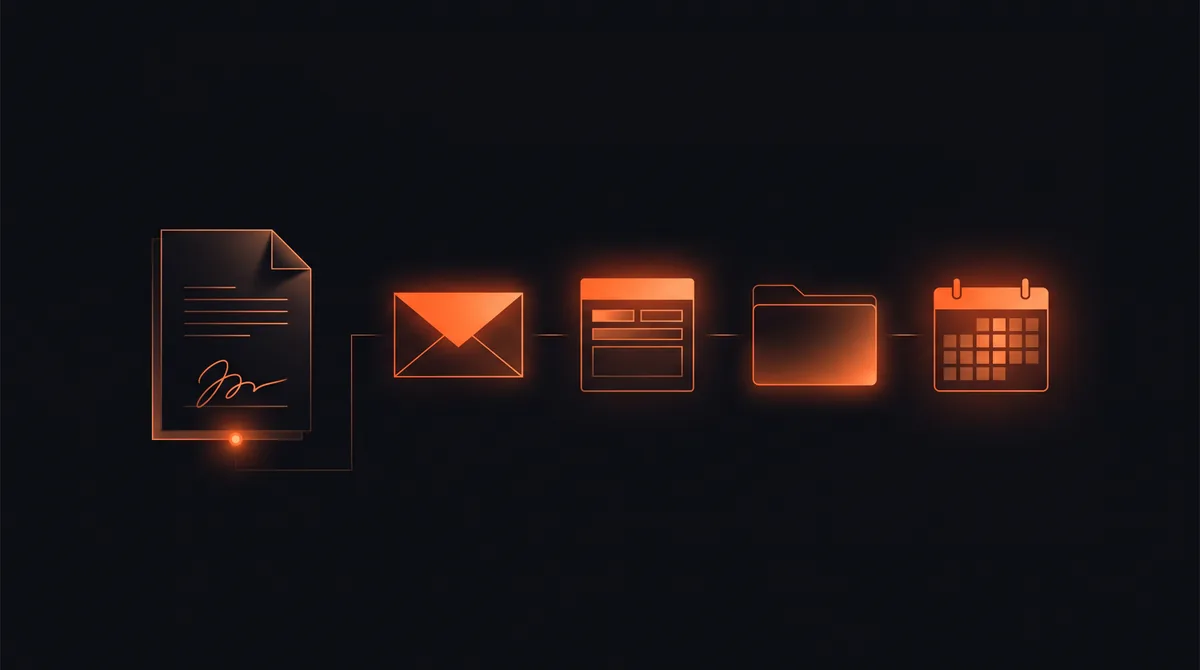
Client onboarding automation is a workflow that starts the moment a client signs and runs every onboarding step without someone remembering to do it: the welcome email, the intake form, the shared folder, account setup, the kickoff booking, and the internal tasks for your team. Every client gets the same polished start, and nobody spends their day chasing paperwork.
For a 12-person agency we built this for, onboarding went from 9 days to 36 hours from contract to kickoff, every client now goes through the same pipeline, and the operations lead saves about 7 hours per new client.
Key takeaways
- Client onboarding automation triggers every onboarding step from one event, usually a signed contract or first payment.
- Automate the welcome, intake, folders, account setup, kickoff booking, and team tasks first.
- A 12-person agency cut contract-to-kickoff from 9 days to 36 hours with one pipeline.
- Keep a human touch at the kickoff call; automate the admin around it.
- You can get a client onboarding kickoff automation built free.
What is client onboarding automation?
It is the use of software to run the repeatable part of bringing on a new client. A single trigger, such as a signed proposal, a paid first invoice, or a deal marked won in your CRM, starts a sequence that sends the right messages, creates the right records, and assigns the right tasks in the right order.
It does not replace the relationship. It removes the admin that gets in the way of it, so your first real conversation with the client is about their goals, not about which form they still need to fill in.
What to automate in client onboarding
Most onboarding processes share the same steps, and nearly all of them can be automated:
- Welcome email from a real person, with what happens next and when.
- Intake form that collects the details you always need, with reminders until it is complete.
- Shared folder and workspace created and shared with the client automatically.
- Accounts and access set up from the intake answers, such as project tools or client portals.
- Kickoff booking link sent once intake is done, so the call happens with everything ready.
- Internal tasks created for your team, with owners and due dates.
- Check-ins scheduled on day 3 and day 30 without anyone putting them in the calendar.
Want an automation like this built for you, free?
Pick one of 10 ready automations, like instant lead replies, review requests, or invoice follow-ups, or describe your own. We build it on your tools at no cost.
A client onboarding automation workflow, step by step
Here is the pipeline pattern we used for the agency above, which works for most service businesses:
| Step | Trigger | What happens automatically |
|---|---|---|
| 1. Welcome | Contract signed | Welcome email sent, client record created, account owner notified |
| 2. Intake | Welcome sent | Personalized intake form sent, reminders until complete |
| 3. Provisioning | Intake completed | Folder, workspace, and tool access created from the answers |
| 4. Kickoff | Provisioning done | Kickoff booking link sent, brief prepared for the team |
| 5. Check-ins | Kickoff held | Day-3 and day-30 check-ins scheduled |
The client sees a clean, predictable process. The team sees what is done and what is next, without a checklist someone has to remember.
Tools for client onboarding automation
You can usually build onboarding around the tools you already use: your e-signature or proposal tool as the trigger, your CRM for the record, a form tool for intake, your file storage for folders, your calendar for kickoff, and your project management tool for tasks. Workflow tools connect them, and AI steps can summarize intake answers into a brief for the kickoff call.
If each of those lives in a different system with no connection between them, that connection is the whole job. See how to automate your business for the general approach.
Common client onboarding mistakes to avoid
The most common mistake is automating a messy process as it is. Map it first and remove the steps nobody needs. The second is sending everything at once: a wall of emails on day one overwhelms clients, so pace the sequence. The third is losing the human touch; the welcome should come from a real person's name, and the kickoff call should stay a conversation.
Get client onboarding automated free
A client onboarding kickoff, meaning a signed contract that triggers the welcome email, shared folder, intake form, and internal tasks, is one of the ten automations we build free. Claim it here. For full onboarding pipelines with provisioning and status pages, see our onboarding automation service.
Client onboarding automation is a workflow that runs every onboarding step, such as the welcome email, intake form, shared folder, account setup, kickoff booking, and team tasks, automatically from one trigger like a signed contract.
Want this built on your systems?
Get a free automation teardown. We'll map the top 3 workflows we'd automate in your business and what they'd save, in 20 minutes, no commitment.
Response time
≤ 4 business hours
Coverage
USA · UK · EU
Team
10 engineers · 1 PM